autoscan versus “pen & paper“: Goods Issue
How fast does a warehouse team work with and without autoscan ? Let’s compare at goods issue!
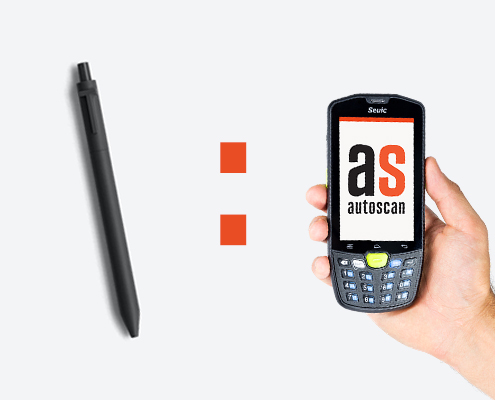
autoscan versus “pen & paper“: Goods Issue
There is one goal when introducing a software solution like autoscan: to work more efficiently and save time in the process. So the question is: How much time do you actually save using autoscan?
The answer can be found in our series of articles. The first two articles took a closer look at inventory and incoming goods – now it’s time for goods issue!
LET’S COMPARE
In our example, we look at a warehouse with 50 customer orders per day.
Orders do not usually include any warehouse information, so picking lists have to be printed. s
The numbers speak for themselves: autoscan saves about one working hour every day!
STOP LOSING MONEY!
Apart from the time saved, autoscan has another big advantage: Nothing is issued without being posted!
“No parts are mistakenly issued that are not on an order and hence aren’t invoiced. This saves real money.”
Erwin A. Fuchs, Head of Parts Distribution, BMW Höglinger
WANT TO KNOW MORE?
That’s great – just contact us for more information!