
Goods receipt – with or without digital data
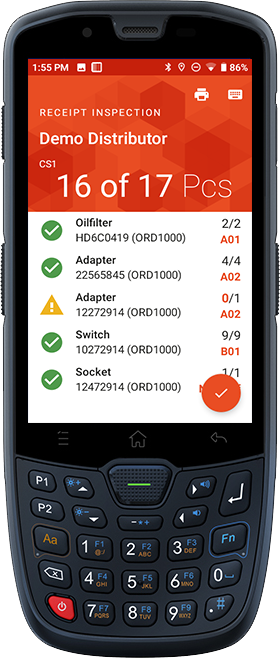
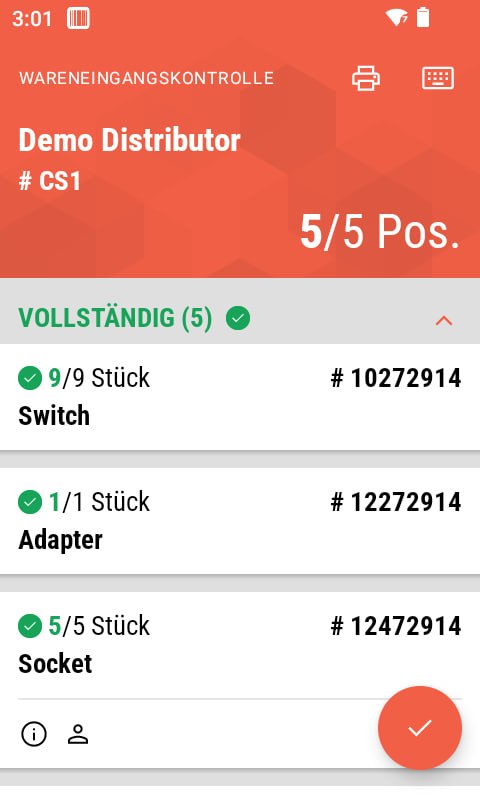
Scan the box, the delivery note or any item in the shipment to start receiving. autoscan knows three ways – depending on the data your supplier provides.
With digital delivery data
Grab the first item and scan it: autoscan shows target quantity and shelf number so you can pre-sort for put-away right at receipt. Increase quantity by repeated scanning or the number pad.
Based on purchase orders
No digital delivery data? As soon as you scan the supplier number, autoscan creates a shipment automatically. Scan the delivery note number, choose the order type if needed and confirm the posting date. All open order lines appear, received quantities are assigned to the right order automatically.
Without any electronic data
For direct orders (e.g. web shop) you start with an empty shipment: scan the supplier number, capture the delivery note number and posting date, then build the shipment by scanning – every received item becomes a line.
Cross-docking
If you work with reservations, autoscan shows them during goods receipt – and optionally prints a cross-docking label with all the info for further processing.
Guided put-away
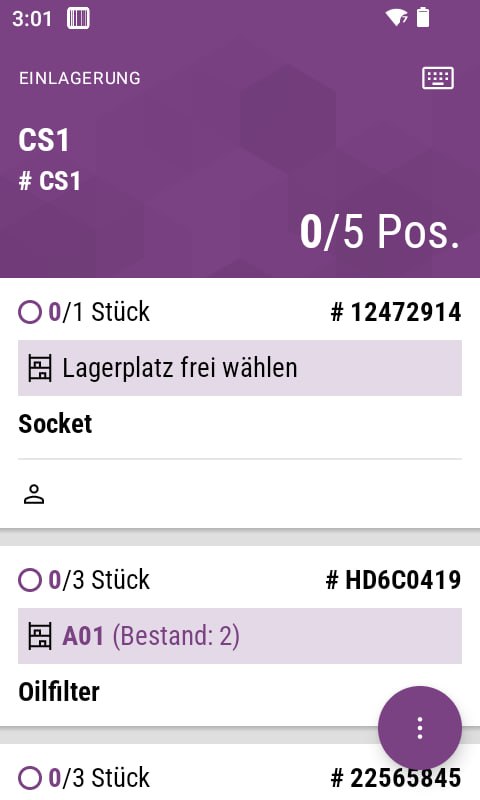
autoscan guides you step by step until every item sits safely in the right place.
All received items are shown sorted by storage location. When you scan item and location, autoscan verifies the put-away and flags possible errors.
Prepare and post customer orders
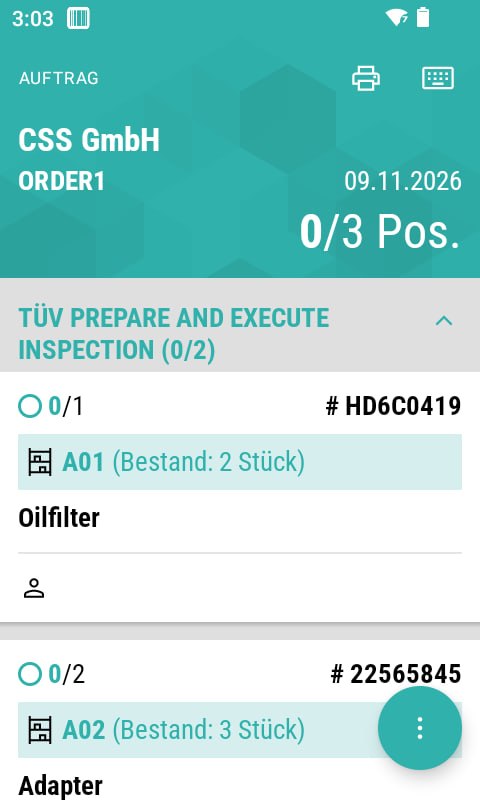
Open the order, scan at the shown location – picked, delivered and posted.
Pick and deliver
After opening you see all lines with quantity, already issued quantity and location – optionally grouped by job. Scanning at the location is enough.
Add to service orders
Add items with two scans: scan the order number, scan the item, adjust quantity and job if needed. Ideal for small parts like wiper blades.
Post automatically
Once picked, autoscan posts the quantity and creates the delivery note and invoice. Back at packing, the papers are already waiting.
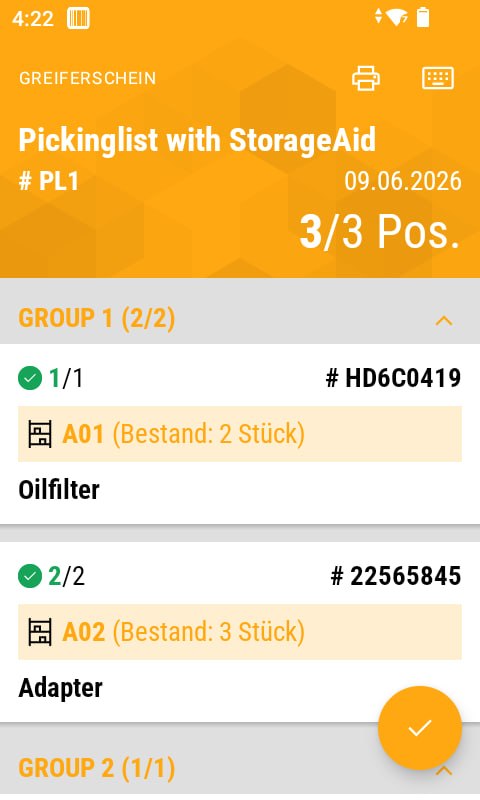
Picking flow for wholesale
autoscan supports the entire fulfillment – from zone to finished package.
After picking, the order is already delivered and invoiced – all documents wait printed at the packing station.
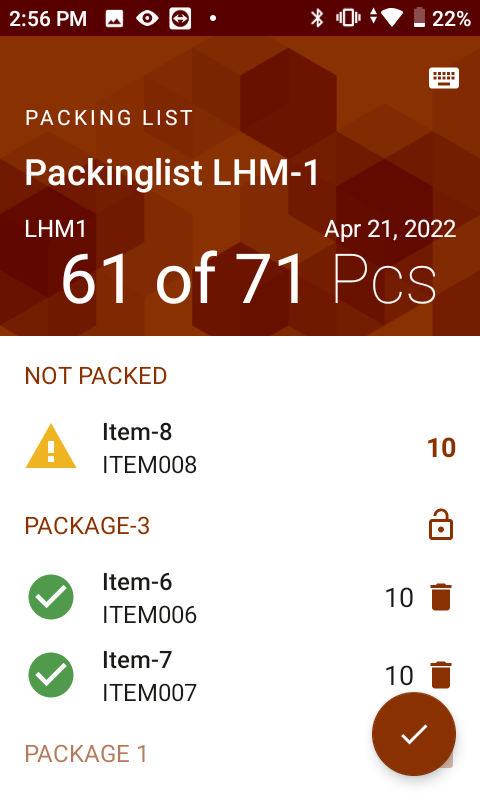
Pack and get ship-ready
After picking comes packing – the interaction is optimized for maximum efficiency.
The assignment of each line to the shipping package is stored in the ERP system.
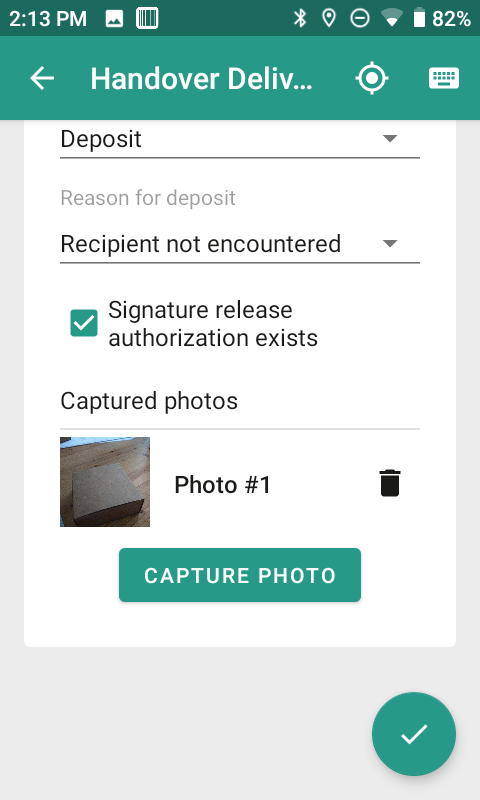
Digital proof of delivery
No more paper and pen for your delivery drivers.
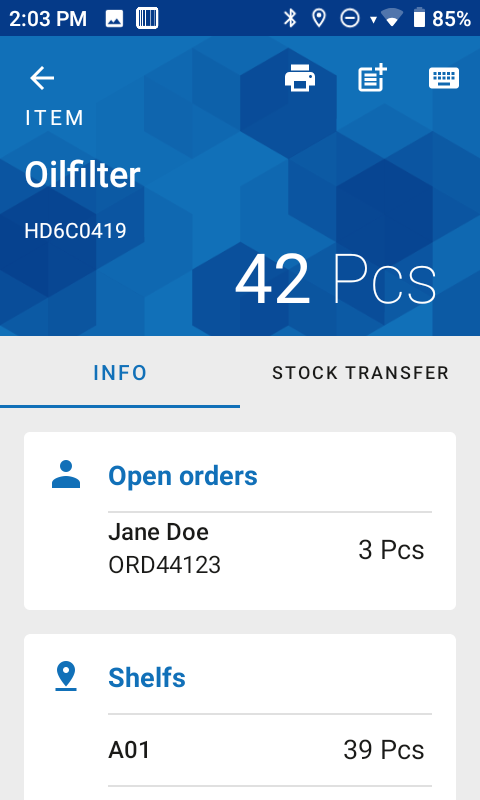
Items and locations under control
Scan an item or shelf and instantly see everything – stock, reservations, transfers.
Item information
One scan opens the key data and functions at a glance:
Transfer
Scan item and location – transfer the full or a partial quantity and optionally set it as the default location.
Location information
Scan the shelf and see all items with quantities, remove assignments, navigate to items and print new location labels. Tip: there’s a free template for shelf labels with QR codes.
Physical inventory made easy
The days of printed count lists and error-prone data entry are over.
autoscan walks you shelf by shelf through the count list. Every scanned quantity lands in the ERP system almost live.

Tire warehouse & depot management
For everyone storing wheel sets or doing tire changes – 100% mobile and digital.
Capture tire data
Scan the tire label and get started. autoscan automatically suggests the vehicle’s most recently captured wheel set – you only capture data the first time.
Scan QR codes and energy labels
Scan the tire QR code or energy label: autoscan reads the tire data and transfers it into the system automatically.
Tread depth gauge etirechecker®
With the etirechecker® from our partner efleetcon you measure tread depths in an integrated way – without even looking at the display. Each measurement sends the value, the lowest is stored automatically.
Store and transfer wheel sets
Scan label and location to store. Transfer is ideal for interim stages like “ready for put-away” or “ready for issue” – so you track exactly where a set currently sits.
Pick wheel sets for appointments
autoscan fully automatically creates pick slips for tire-change appointments. Appointments are linked to the stored wheel sets – per day and location a to-do list appears on the scanner. One scan of a wheel set prevents mix-ups and retrieves it automatically.
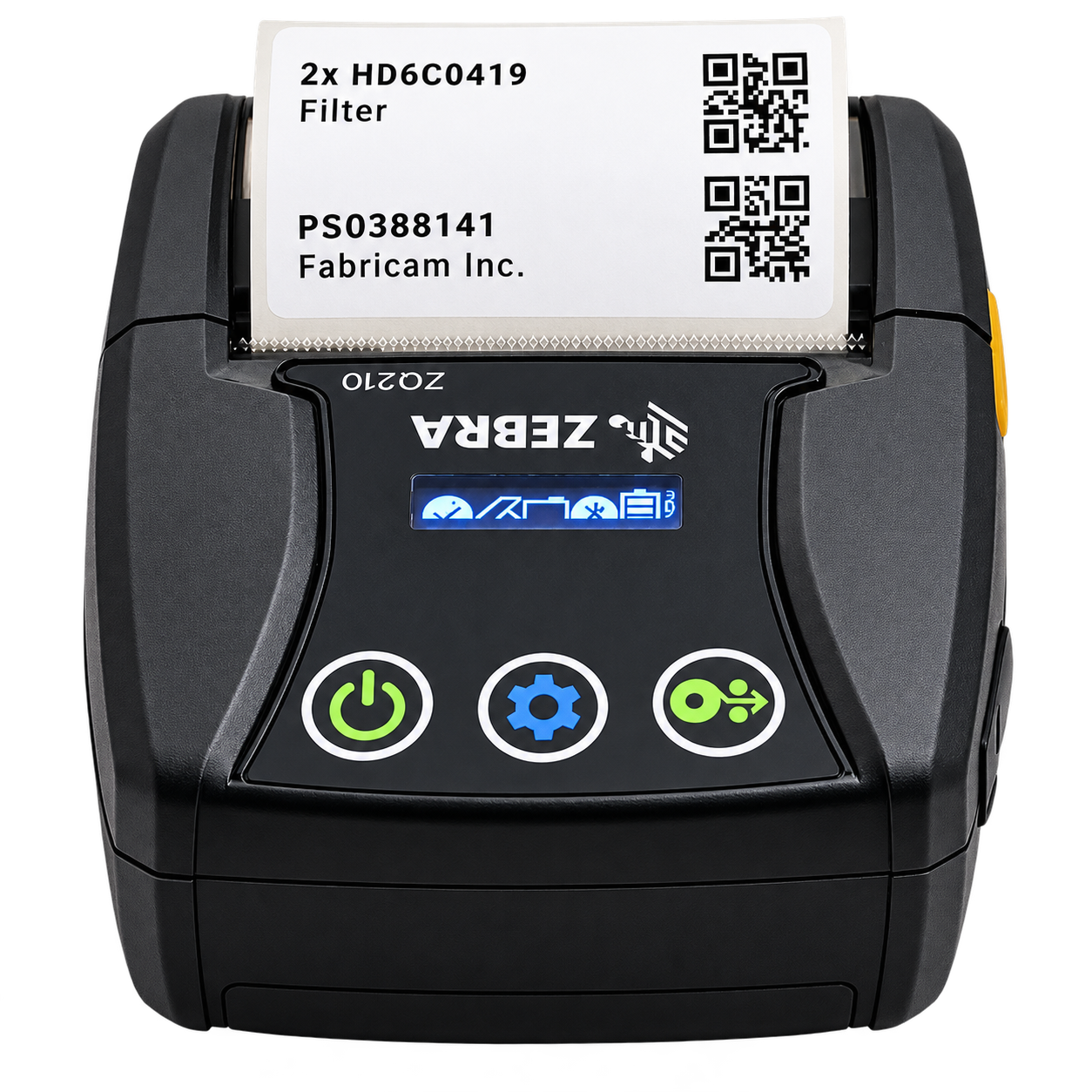
Print labels directly from the scanner
Print item, location and reservation labels straight from the scanner – mobile via Bluetooth or stationary.
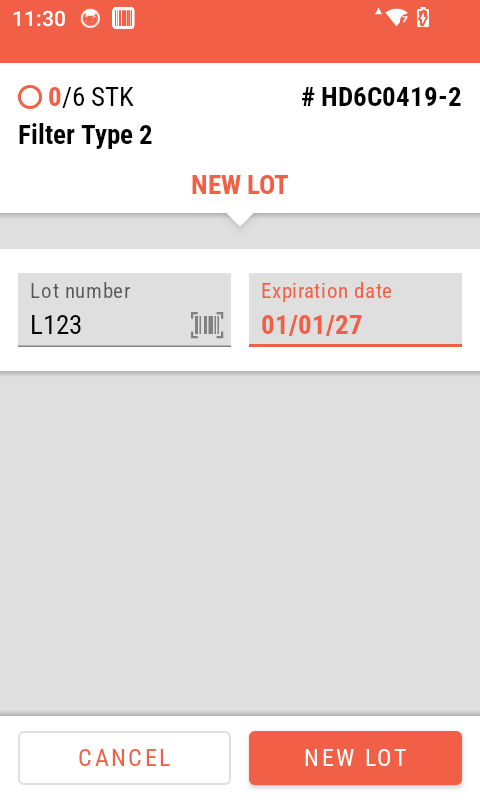
Track lots without gaps
Capture lot numbers as you scan – full traceability with zero extra effort.
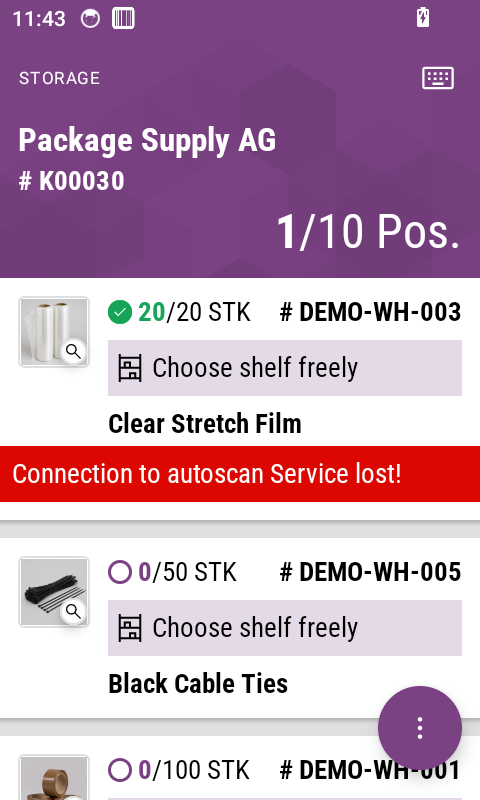
Keep working without Wi-Fi
No Wi-Fi? No problem: lists keep working offline – everything posts once the connection is back.