
autoscan for Business Central: What’s new in 2026
A lot has happened in our scanning solution for Business Central over the past few months: lot tracking, full-text search for task lists, variant support, simultaneous editing alerts, and more!
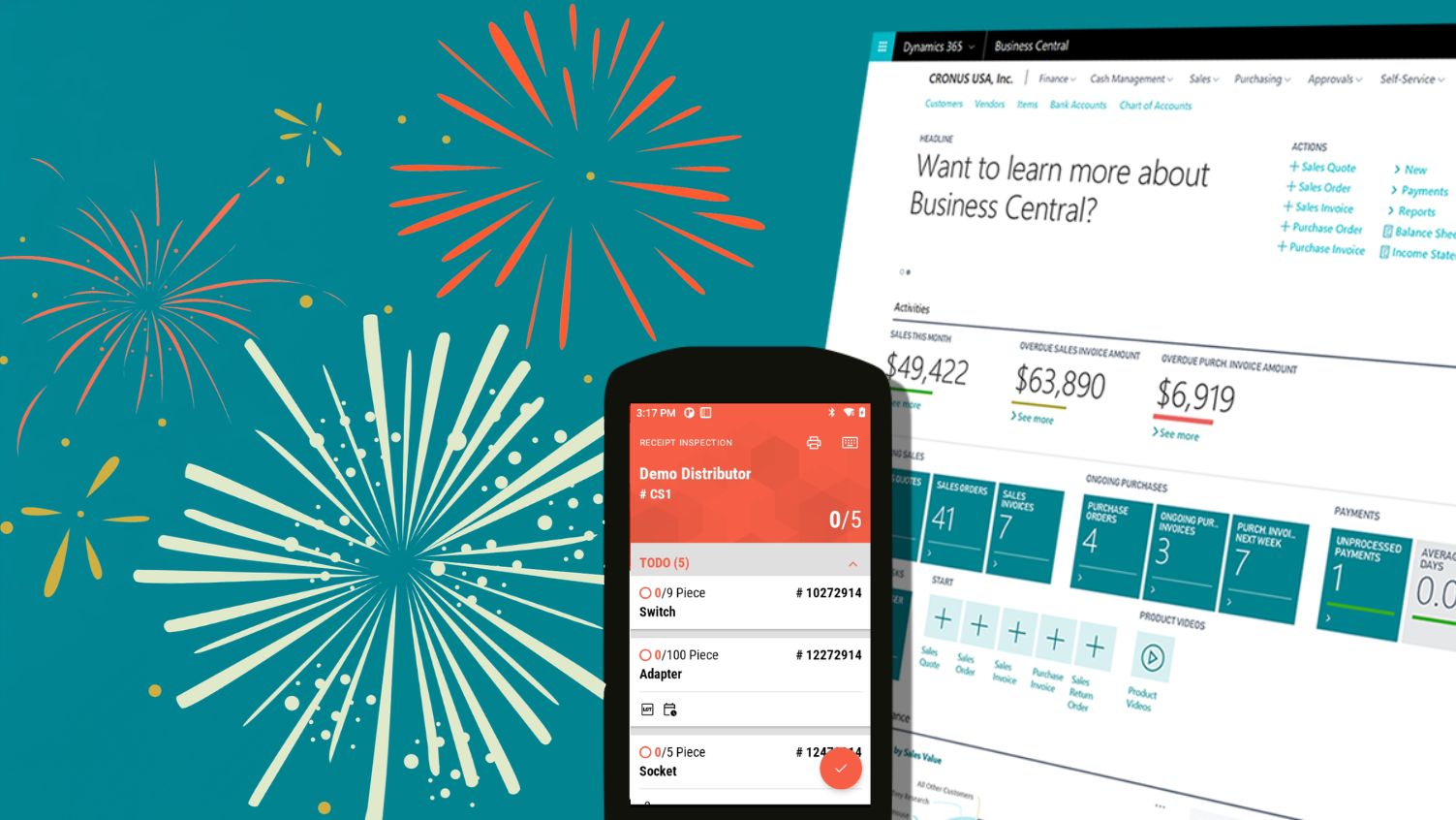
Refreshed design
We’ve been working hard on an improved look and feel for our scanning solution. Find out why in our article on the new design.
Lot tracking for Business Central
Lot tracking is a must for many businesses – so we’ve added this capability to autoscan.
We’re rolling it out step by step, feature by feature. Data entry has been designed to be as straightforward and intuitive as possible.
Simultaneous editing alert (soft lock)
Every now and then, two people want to work on the same task at the same time – for example during inventory or when picking customer orders.
To prevent data errors, we’ve introduced a new alert: a notification appears on screen indicating that the same task is currently being processed, including the username and device number.
Users can then choose whether to leave the process or deliberately take it over.
Incoming goods: Open purchase orders on the home screen
Previously, receiving goods required scanning the supplier number to pull up the relevant purchase order on the scanner.
To make the process faster and easier, there’s now a list of all open orders right on the home screen. The required order can be selected directly – and it’s immediately clear if no matching order exists.
Search in task lists
Task lists appear throughout our scanning solution: in incoming goods, for pick lists, customer orders, and inventory.
Since these lists can get quite long, we’ve introduced full-text search with autocomplete for all of them as part of our design refresh.
Variant support in BC
autoscan now supports variants stored in Microsoft Dynamics 365 Business Central. If a variant code has been set up in the system, it will be recognised and displayed by our scanning solution.
Delivered partial quantities shown immediately
It sometimes happens that orders are delivered in multiple parts in quick succession.
For example: 10 items are ordered, and two deliveries of 5 items each arrive within a short time. The first delivery has already been scanned but not yet posted in the system. When accepting the second delivery, it previously appeared as though all 10 items were still outstanding.
To reflect the actual delivery status, autoscan now displays the first delivery even if it hasn’t been posted yet!
Easier initial setup
It has always been important to us that not only working with our scanning solution is simple – the setup should be quick and painless too.
That’s why we’ve streamlined the permission assignment process: frequently required system permissions are now bundled into a single set, so they no longer need to be selected one by one.
Want to know more?
autoscan turns Business Central / NAV into a modern logistics solution! It offers features for every process in your warehouse – like incoming goods handling, picking, inventory counting and much more. Learn more on our page dedicated to autoscan and Business Central.
Or simply contact us at hello@autoscan.app – or use our contact form to schedule an online meeting right away.


